
Currently Empty: $0.00
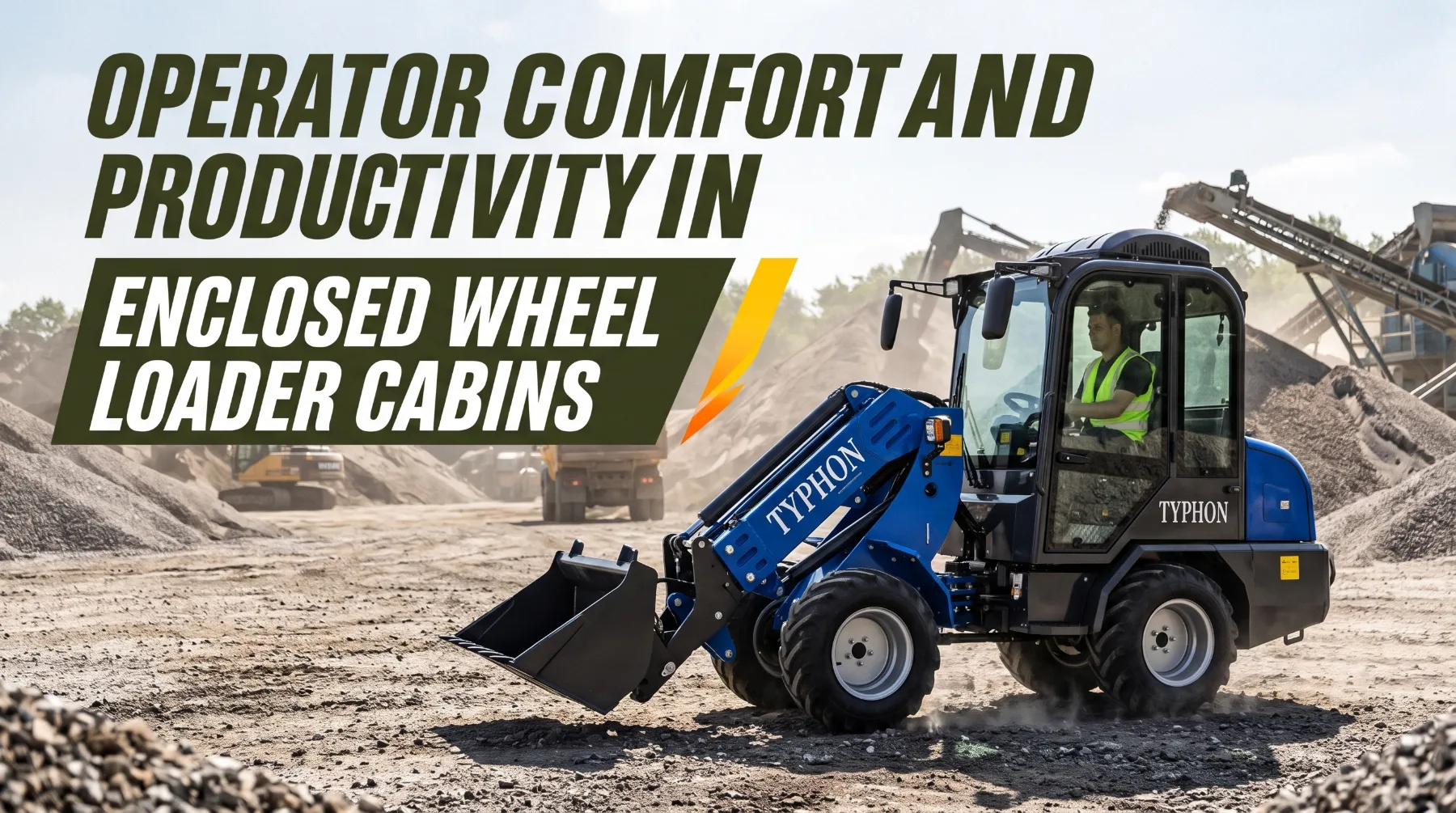
Operator Comfort and Productivity in Enclosed Wheel Loader Cabins
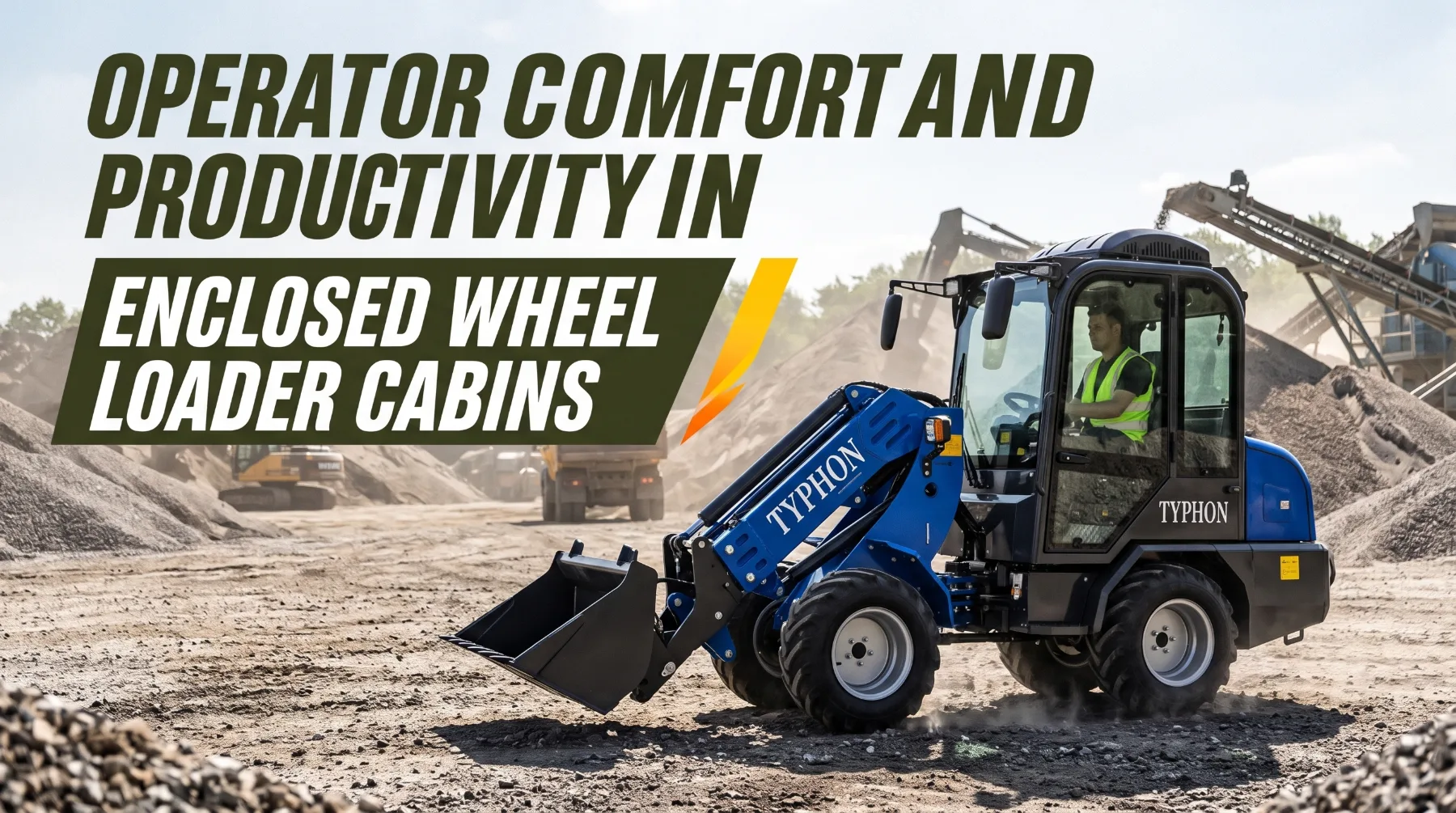
Long shifts in quarries, construction yards, and material handling areas require operators to maintain concentration through repeated lifting, steering, loading, and travel cycles. Cab conditions directly influence comfort, visibility, and the ability to work efficiently throughout the day. Poor seating, uncomfortable temperatures, dirty windows, excessive vibration, and awkward controls can increase fatigue and reduce operating accuracy.
Several cab features help limit these problems when used and maintained correctly. Adjustable seating supports a suitable working posture, while climate control and ventilation help maintain a comfortable environment. Clean windows, properly positioned mirrors and cameras, effective noise insulation, and accessible controls also support clear observation and smoother operation.
Maintaining a productive cab starts with adjusting the seat and controls to suit the operator, checking visibility aids, and ensuring ventilation systems work properly. Daily cleaning and inspections can reveal damaged seat components, obstructed windows, loose controls, or other issues that affect comfort and safety. Consistent attention to these details helps operators stay focused, work accurately, and respond to changing site conditions throughout the shift.
Temperature Control and Ventilation
Wheel loader operators work in hot summers, cold winters, and dusty conditions. An uncomfortable cab can cause fatigue, reduce concentration, and make it harder to operate the machine safely.
Use the heating, ventilation, and air conditioning system according to the manufacturer's instructions. Set a comfortable temperature, use the defrost function to clear fogged or frosted windows, and select fresh air or recirculation as recommended for the working conditions. Keep doors and windows closed during operation when required to maintain cab temperature and reduce dust entry.
Keep air vents clear and check the cab filters regularly. Replace them according to the maintenance schedule, inspecting them more often in dusty environments. Report weak airflow, unusual smells, poor cooling, or heating problems. Wear suitable clothing for the weather, keep drinking water available in hot conditions, and take scheduled breaks.
Key takeaway: Maintain a comfortable cab temperature, keep vents clear, replace air filters on schedule, and report HVAC problems promptly.
Seating and Operator Position
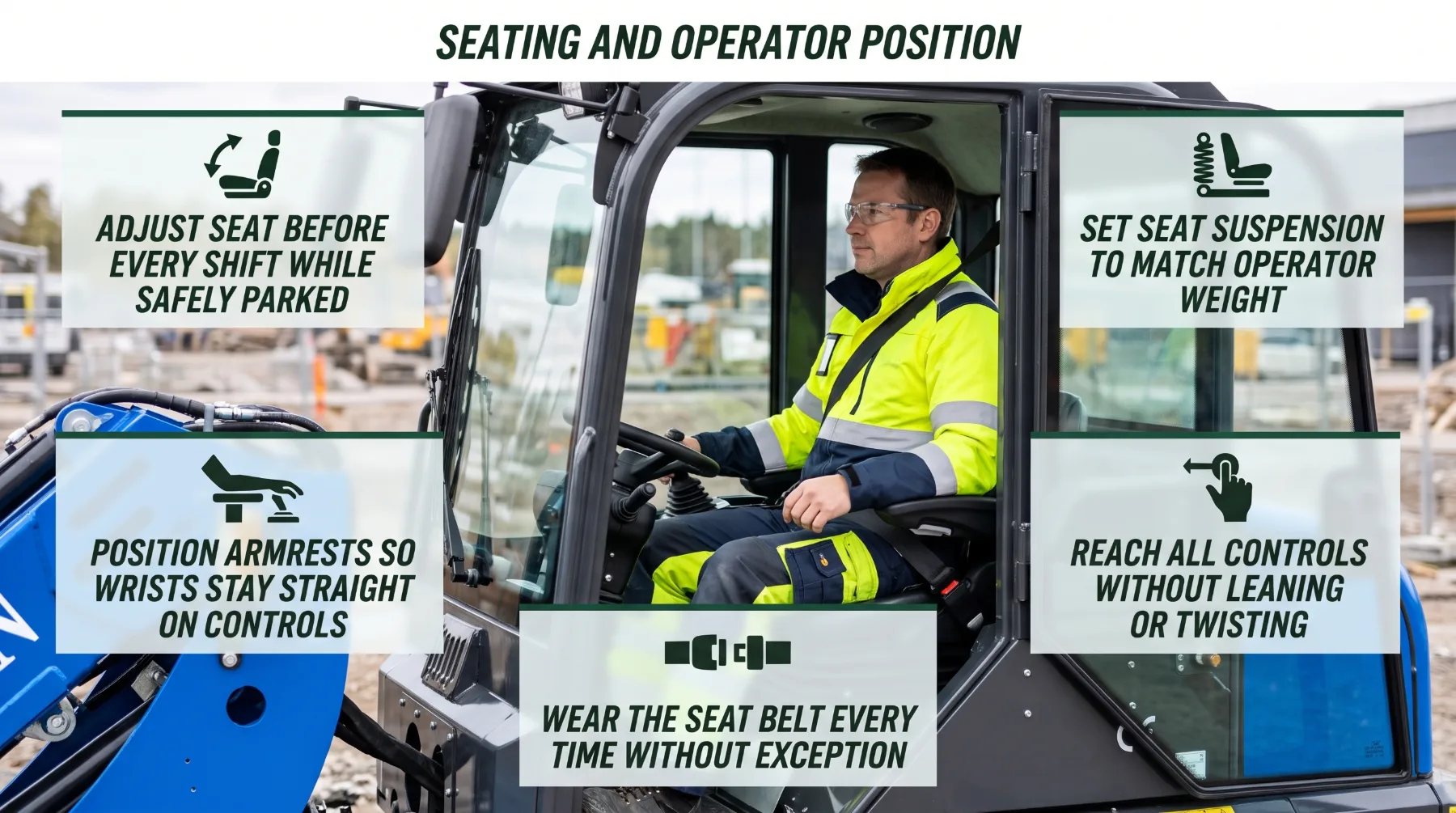
The seat supports the operator throughout the workday. Proper adjustment helps reduce muscle strain, absorb shocks, and keep the controls within easy reach during repeated loading and travel.
Adjust the seat before starting each shift while the loader is parked safely, the bucket is lowered, and the parking brake is applied. Set the seat height and distance so you can press the pedals comfortably, see the work area clearly, and reach the controls without stretching. Adjust the backrest, lumbar support, cushion, and headrest if these features are available.
Set the seat suspension according to your weight and adjust the armrests so your arms and wrists remain relaxed while operating. Check that you can reach the joystick, steering, pedals, and switches without leaning or twisting. Always wear the seat belt, and report damaged seat adjustments, suspension, cushions, or belts before using the machine.
Key takeaway: Adjust the seat, suspension, and armrests before each shift, keep all controls within easy reach, and always wear the seat belt.
Visibility Through Cab Windows
Clear windows, mirrors, and camera lenses help operators see the bucket, travel path, nearby workers, and surrounding vehicles. Poor visibility can increase fatigue and make it harder to identify hazards in time.
Before each shift, clean the windshield, rear and side windows, mirrors, camera lenses, and work lights. Use suitable cleaning tools to avoid scratching glass or lenses, and use designated steps or a safe platform to reach high windows. Check wipers, washers, mirrors, and cameras to make sure they work correctly and provide a clear view.
Use the defrost system to clear fog and frost before moving, and manage dust and glare during operation. Keep the cab windows free from papers and other objects that block your view. Adjust mirrors and cameras from the operator's seat, but never rely on them alone. Check the surrounding area directly and use a spotter when visibility is restricted. Report cracked windows, damaged mirrors, faulty wipers, or malfunctioning cameras.
Key takeaway: Clean all viewing surfaces before work, manage dust and glare, adjust mirrors and cameras correctly, and always check the surrounding area directly.
Noise and Vibration
Wheel loaders produce noise and vibration from the engine, transmission, hydraulics, tires, and contact with uneven ground. Long periods of exposure can cause discomfort, fatigue, and reduced concentration.
Cab insulation, sealed doors, cab mounts, and seat suspension help reduce noise and vibration. Ride control systems can also reduce bucket movement during travel when fitted. These features work best when properly maintained, so check door seals, seat suspension, and cab mounts regularly. Wear hearing protection when required by the site's noise assessment, and keep doors and windows closed when appropriate to reduce noise exposure.
Operating technique also affects comfort. Use a suitable travel speed on uneven ground, report rough travel routes, and approach material piles steadily rather than hitting them aggressively. Watch for new or unusual grinding, knocking, squealing, rattling, or vibration through the seat and controls. If noise or vibration suddenly increases, stop safely, lower the bucket, secure the machine, and report the problem for inspection.
Key takeaway: Maintain cab insulation and suspension, operate smoothly on uneven ground, wear hearing protection when required, and report unusual noise or vibration.
Control Layout and Work Efficiency
Wheel loader operators repeat lifting, tilting, steering, and traveling movements throughout the shift. A comfortable control layout and smooth operating technique can reduce fatigue, improve accuracy, and support better productivity.
Adjust joysticks, armrests, and control positions so your hands and wrists remain comfortable. Learn the control layout and features of each machine before operating it, especially when changing models. Depending on the loader, features such as joystick steering, return-to-dig, boom height kickout, and bucket positioners can help make repeated movements more consistent.
Use smooth, coordinated movements when lifting, tilting, and traveling. Approach the pile at a steady speed, avoid sudden turns and harsh impacts, and carry the bucket low during travel for better stability and visibility. Never disable safety systems, bypass operator presence sensors, or modify controls outside approved settings. Use the control lockout when leaving the seat, and report controls that feel stiff, delayed, or inconsistent.
Key takeaway: Adjust controls correctly, use smooth and consistent movements, and never modify controls or bypass safety systems.
Daily Cab Maintenance
A clean and organized cab helps prevent accidents and makes operating more comfortable. Loose objects, dirty steps, damaged seat belts, and faulty controls can create hazards during a shift.
Remove bottles, tools, and other loose items from the floor and secure personal belongings in designated storage areas. Keep the pedals and controls clear so nothing can interfere with their movement. Clean the steps and handrails, remove mud and grease, and use three points of contact when entering or leaving the cab. Always face the machine and never jump down.

Before starting work, check the seat belt, seat adjustments, doors, windows, mirrors, cameras, wipers, HVAC system, lights, gauges, horn, backup alarm, joysticks, pedals, and switches. Make sure the emergency exit and required safety equipment are accessible. Clean displays and controls using suitable products, and report defects that affect safe operation. Keep the machine out of service until serious safety-related problems have been corrected.
Key takeaway: Keep the cab clean, remove loose objects, inspect key safety equipment before every shift, and report defects before operating the loader.
Conclusion
A comfortable wheel loader cabin supports operator attention and consistent work performance. Each element of the cab plays a part. A properly adjusted seat, suspension, and armrest setup keeps the operator supported and the controls within easy reach. Well-managed heating, ventilation, and air conditioning, backed by clean filters and clear vents, keeps the cab at a steady temperature and helps keep dust out. Clean windows, mirrors, and camera lenses, combined with direct checks of the surroundings, give the operator the clear view that safe loading requires.
Cab insulation and suspension reduce noise and vibration only when they are maintained, and unusual noise or vibration should always be reported rather than accepted. Controls used as intended, with smooth and coordinated inputs, reduce physical effort and improve load placement, while safety systems remain untouched. Finally, daily cab maintenance keeps the workspace orderly, the steps safe, and every critical component ready for the shift ahead.
When operators, supervisors, and maintenance teams treat the cab as a workstation worth caring for, they create a safer and more productive operating environment. The result is more focused operators, fewer avoidable incidents, and dependable performance from every loader on the job.
FAQs
Can cab comfort affect productivity?
Yes. Poor seating, heat, noise, and limited visibility can contribute to fatigue and make repeated tasks more difficult. A tired or uncomfortable operator tends to work less smoothly, take longer to complete loading cycles, and place loads less accurately. Fatigue also slows reaction time and reduces attention to people and vehicles nearby. Adjusting the seat, managing cab temperature, keeping windows clean, and maintaining noise and vibration controls help operators stay focused and productive throughout the shift.
How often should cab filters be checked?
Follow the maintenance schedule and inspect more frequently in dusty conditions when the manufacturer recommends it. Quarries, demolition sites, aggregate yards, and dry earthmoving work can clog fresh air and recirculation filters much faster than normal. Clogged filters reduce airflow, weaken heating and cooling performance, and allow more dust into the cab. Replace filters with the correct specified type, and handle used filters carefully to avoid releasing dust near the cab.
Should a seat be adjusted while the loader is moving?
Make adjustments when safely parked, following the machine's instructions. Adjusting the seat while traveling or loading can cause the operator to lose control of the pedals or joystick, or shift position unexpectedly. Before adjusting, lower the bucket to the ground, apply the parking brake, and engage the hydraulic lockout where fitted. Set up the seat, suspension, armrests, and mirrors at the start of each shift so they are ready before work begins.
What should happen if cabin vibration suddenly increases?
Stop when safe, report the issue, and have the machine assessed according to the service procedure. A sudden increase in vibration can point to problems with tires, driveline components, bearings, engine or cab mounts, hydraulic components, or loose parts. Lower the bucket, apply the parking brake, and shut down as the operating instructions direct. Do not continue working on the assumption that the vibration is normal, since an early inspection can prevent a larger failure and keep the operator safe.